
Voter ID Correction Online AP
Correct your voter details in Andhra Pradesh using the official Form 8 process. This guide covers name, date of birth, address, mobile number, gender and photo corrections in simple steps.ఆంధ్రప్రదేశ్లో ఓటర్ వివరాల్లో తప్పులు ఉంటే అధికారిక Form 8 ద్వారా correction చేయవచ్చు. పేరు, పుట్టిన తేదీ, చిరునామా, మొబైల్ నంబర్, gender మరియు photo correction గురించి సులభంగా తెలుసుకోండి.
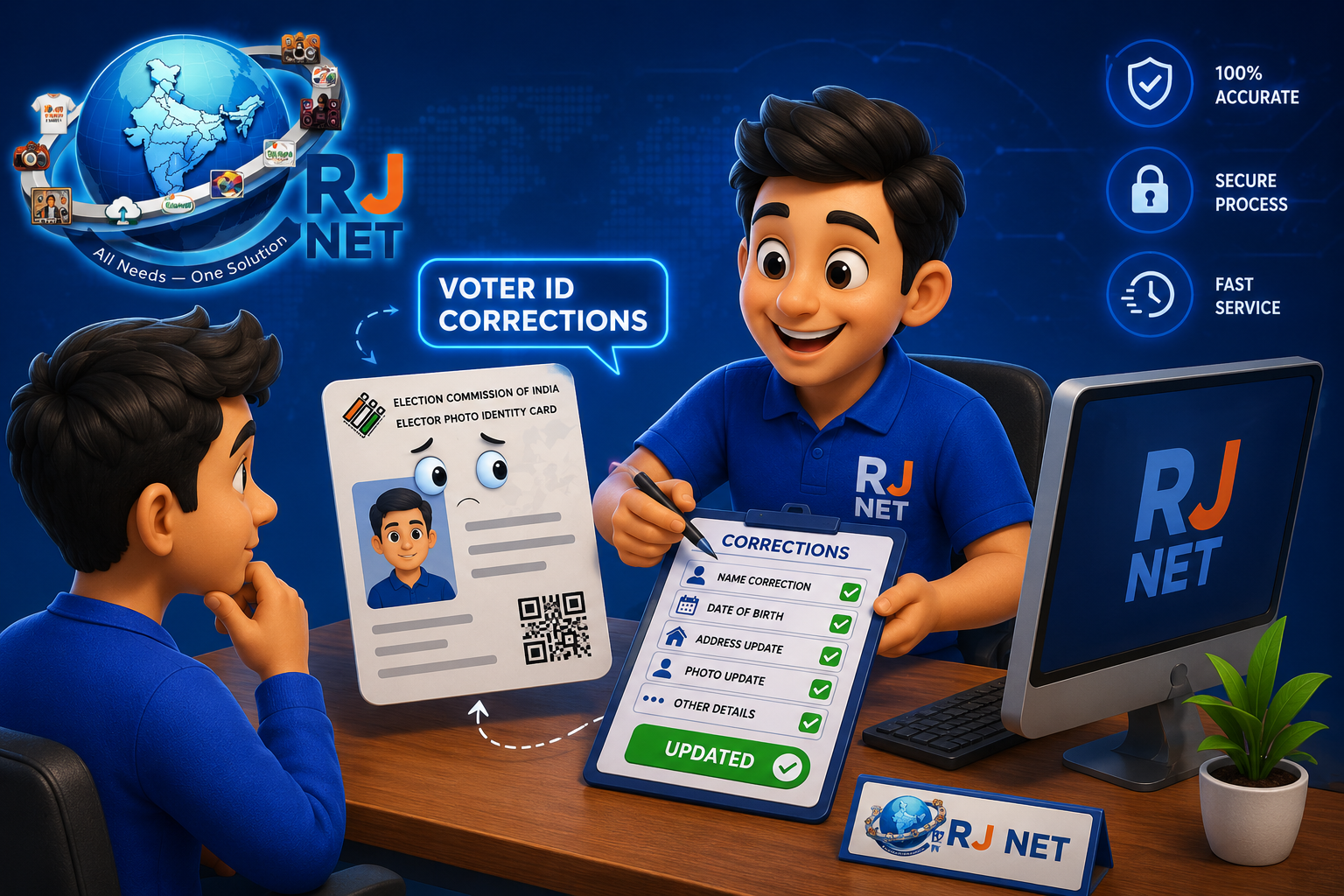
How to Correct Voter ID Online in AP
If your name or other details are wrong in the electoral roll, you can request correction through Form 8. The Election Commission of India lists Form 8 for correction of entries, shifting of residence, replacement of EPIC and PwD marking.ఓటర్ లిస్ట్లో మీ పేరు లేదా ఇతర వివరాలు తప్పుగా ఉంటే Form 8 ద్వారా correction request చేయవచ్చు. Election Commission of India ప్రకారం Form 8 ను correction, address shifting, EPIC replacement మరియు PwD marking కోసం ఉపయోగిస్తారు.
Required Documents for Voter ID Correction Online Apply
- ✓1. Existing Voter ID / EPIC number: Keep your EPIC number ready.1. Voter ID / EPIC number: మీ EPIC number సిద్ధంగా ఉంచండి.
- ✓2. Aadhaar details: Form 8 provides a field for Aadhaar authentication. If you do not have Aadhaar, the form also provides an option to state that.2. Aadhaar వివరాలు: Form 8లో Aadhaar authentication కోసం field ఉంటుంది. Aadhaar లేకపోతే దానికి సంబంధించిన option కూడా ఉంది.
- ✓3. Correction proof: Attach a document supporting the correction you are requesting.3. Correction proof: మీరు మార్చాలనుకునే వివరానికి సరైన supporting document ఇవ్వండి.
- ✓4. Address proof when needed: For residence shifting, Form 8 lists documents such as Aadhaar, utility bill, passport, bank/post-office passbook, registered rent deed or sale deed.4. Address proof అవసరమైతే: Address shifting కోసం Aadhaar, utility bill, passport, bank/post-office passbook, registered rent deed లేదా sale deed వంటి proofsలో వర్తించేది ఇవ్వవచ్చు.
- ✓5. Photo: If you request a photo change, follow the Form 8 photo requirements.5. Photo: Photo change కోరితే Form 8లో ఇచ్చిన photo requirementsను పాటించండి.
Voter ID Details You Can Request to Correct
- ✓Name correctionపేరు correction
- ✓Date of birth / age details correctionపుట్టిన తేదీ / వయస్సు వివరాల correction
- ✓Address or residence shiftingచిరునామా / residence shifting
- ✓Mobile number and contact detailsమొబైల్ నంబర్ మరియు contact details
- ✓Gender and other eligible particularsGender మరియు ఇతర eligible particulars
- ✓Photo correctionPhoto correction
The exact fields and proof requirements should be checked on the official Form 8 screen before submission.Submit చేయడానికి ముందు official Form 8 screenలో exact field మరియు proof requirements check చేయండి.
7 Easy Steps for Voter ID Correction Online AP
Open the official Voters' Service PortalOfficial Voters' Service Portal open చేయండి
Use the Election Commission of India voter portal. Avoid unofficial websites.Election Commission of India official voter portalనే ఉపయోగించండి. Unofficial websitesను avoid చేయండి.
Sign in with your registered detailsRegistered detailsతో sign in చేయండి
The Form 8 service may ask for your registered mobile number, email ID or EPIC number and OTP.Form 8 serviceలో registered mobile number, email ID లేదా EPIC number మరియు OTP అడగవచ్చు.
Choose Form 8Form 8 select చేయండి
Select correction of particulars in the existing electoral roll or the relevant Form 8 option.Existing electoral rollలో correction of particulars లేదా మీకు వర్తించే Form 8 optionను select చేయండి.
Select the detail to correctఏ detail మార్చాలో select చేయండి
Choose the field such as name, DOB, address, mobile, gender or photo, as applicable.అవసరాన్ని బట్టి name, DOB, address, mobile, gender లేదా photo fieldను select చేయండి.
Upload the supporting proofSupporting proof upload చేయండి
Upload the document that supports your correction. Make sure the scan or photo is clear.Correctionకు support చేసే document upload చేయండి. Scan లేదా photo clearగా ఉండాలి.
Review and submitReview చేసి submit చేయండి
Check your name, EPIC number, address and requested correction before final submission.Final submitకి ముందు name, EPIC number, address మరియు correction details check చేయండి.
Track the applicationApplication status track చేయండి
Keep the application/reference number and use the official portal to check the status.Application/reference number save చేసుకుని official portalలో status check చేయండి.
Official Voter ID Correction Links
Use these official Election Commission of India links for Voter ID correction, Form 8 and status-related services.Voter ID correction, Form 8 మరియు status services కోసం ఈ Election Commission of India official links ఉపయోగించండి.
Important Tips Before Voter ID Correction Apply Online
- ✓Use the same correct spelling you want in the electoral roll.Electoral rollలో కావాల్సిన correct spellingనే ఇవ్వండి.
- ✓Keep your EPIC number and application reference number safe.EPIC number మరియు application reference numberను safeగా ఉంచండి.
- ✓Upload only relevant proof for the selected correction.Selected correctionకు relevant proof మాత్రమే upload చేయండి.
- ✓Check the official portal for the latest status and instructions.Latest status మరియు instructions కోసం official portalనే check చేయండి.
- ✓If you need help, RJ NET can guide you through the online form. Final approval is by the competent election authorities.Help కావాలంటే RJ NET online form processలో guide చేయగలదు. Final approval election authoritiesదే.
Fill the Details Below for Voter ID Correction OnlineVoter ID Correction Online కోసం క్రింద వివరాలు fill చేయండి
Enter your correct details as per your supporting documents and submit the form below.మీ supporting documents ప్రకారం correct details enter చేసి క్రింది form submit చేయండి.